
changelog
New features, improvements, and fixes from the Neno team
1
Features released
100+
Hours saved
WhatsApp Agent: Beta
Select users can now submit bills and expenses and ask for insights regarding your Neno account.
You can now Send a photo of a receipt or bill to Neno via WhatsApp, and our AI agent will extract the details and file it to your account.
The WhatsApp agent understands context, remembers your conversation, and can answer questions about your uploaded documents. It's the fastest way to get a bill into your books.
New look Neno: We've redesigned Neno. Here's what's new.
The whole Neno application has been given a new look and feel.
What's changed
The Neno application has a new look and feel. We've redesigned our customer interfaces to deliver an experience that matches the high bar we set at Neno. The transactions, transfers and account pages have been redesigned with a cleaner layout, better information hierarchy, and improved navigation.
Why it matters
Maintaining velocity has been a conscious choice over the first few months of being live with our product. With more and more customers using the platform, this redesign is a first step towards elevating the experience for the people that matter. Moving forward, the team is delivering a new UI kit and style guide to ensure that we can continue to ship quality features quickly.
Improvements & fixes
We've improved our login flow. Expect smoother authentication with fewer steps.
We've redesigned our vault page to deliver a simpler layout for finding your documents.
The user journey for creating new payment cards has been adjusted to make the process clearer before you begin.
Invoicing: templates and customisation, business identity and payment links
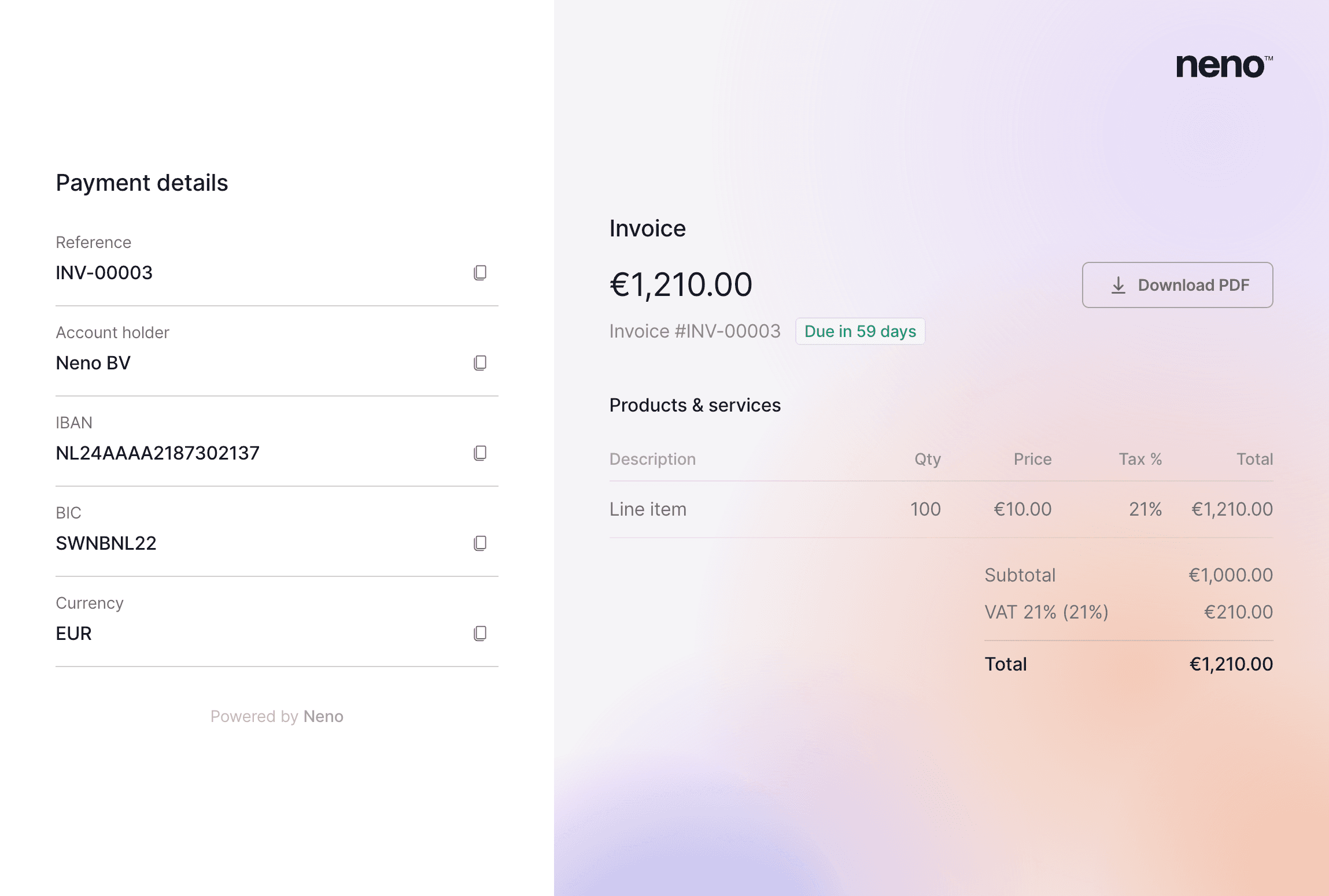
Choose from multiple invoice templates, upload your company logo, and customise the look of every invoice you send. We've also added example copy for terms and conditions so you're not starting from a blank page.
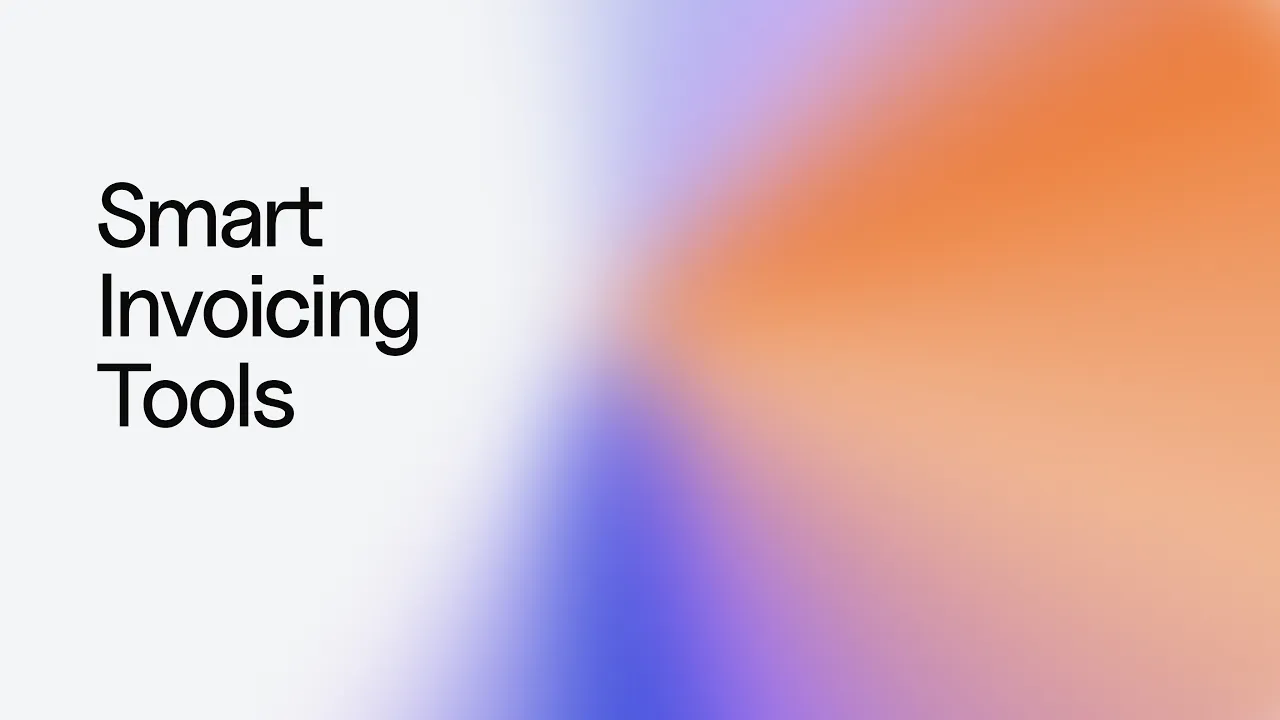
Choose from multiple invoice templates, upload your company logo, and customise the look of every invoice you send. We've also added example copy for terms and conditions so you're not starting from a blank page. Every invoice includes a payment link, from which your customer and copy important invoice information directly into their payment app.
Invoices are also now connected to your business identity. Sender details – company name, address, and bank account – are pulled automatically from your billing entity. If you run more than one business through Neno, you can manage multiple billing entities and choose which one appears on each invoice.
Improvements & fixes
Invoice line item UX improved: tax defaults to Dutch standard rate, description field auto-sizes.
History and activity timeline panel added to every invoice.
Incorporate your business on mobile
Our business incorporation form has been redesigned with new form elements, a cleaner layout, and built-in support options.
Our business incorporation form has been redesigned with new form elements, a cleaner layout, and built-in support options. Phone, chat, and a dedicated support modal are now accessible directly from the form, so you can get help at any step without losing your place.
The incorporation sidebar has also been completely rebuilt for mobile. Whether you're on a phone or laptop, the BV creation flow now adapts cleanly.
Improvements & fixes
Dynamic turnaround time estimate are available in the incorporation tasks dashboard: keep track of where you are on your journey to setting up a new business.
We've added a price calculator page to help you understand the costs of setting up multiple businesses according to your needs.
Single-shareholder BVs are no longer required to submit business documents in order to apply for a bank acount: we'll retrieve them automatically for you.
We've introduced cross-site login handling for users moving between BV incorporation and banking.
Scheduled invoices: Never miss an invoice again with scheduled invoices
Set a future date and your invoice sends itself. Perfect for aligning billing with contract milestones or end-of-month cycles.

Set a future date and your invoice sends itself. Choose when an invoice goes out, and Neno handles delivery and tracking automatically. Perfect for aligning billing with contract milestones or end-of-month cycles.
Improvements & fixes
Credit notes: issue credit notes against sent or paid invoices
Edit billing entity and customer details after creation
Invoice references are now copyable on the payment link page
Invoice-to-payment matching now supported for reconciliation
Mobile transfer page improvements
Email verification flow fixed – email parameter now correctly forwarded through OAuth
Send invoices directly from Neno
Create professional invoices without leaving Neno. The new invoice builder lets you add line items, apply Dutch tax rates, and preview your invoice in real time before sending.

What’s changed
Create professional invoices without leaving Neno. The new invoice builder lets you add line items, apply Dutch tax rates, and preview your invoice in real time before sending.
When you're ready, send directly to your client by email.
Improvements & fixes
Our business incorporation tasks page has been redesigned: clearer column ordering, message icons and some fixes for fonts and layout.
Register your BV through Neno
You can now register a Dutch BV entirely through Neno. The full incorporation flow is live: from initial application and notary communication to deed finalization and KvK regisration.
What we've built
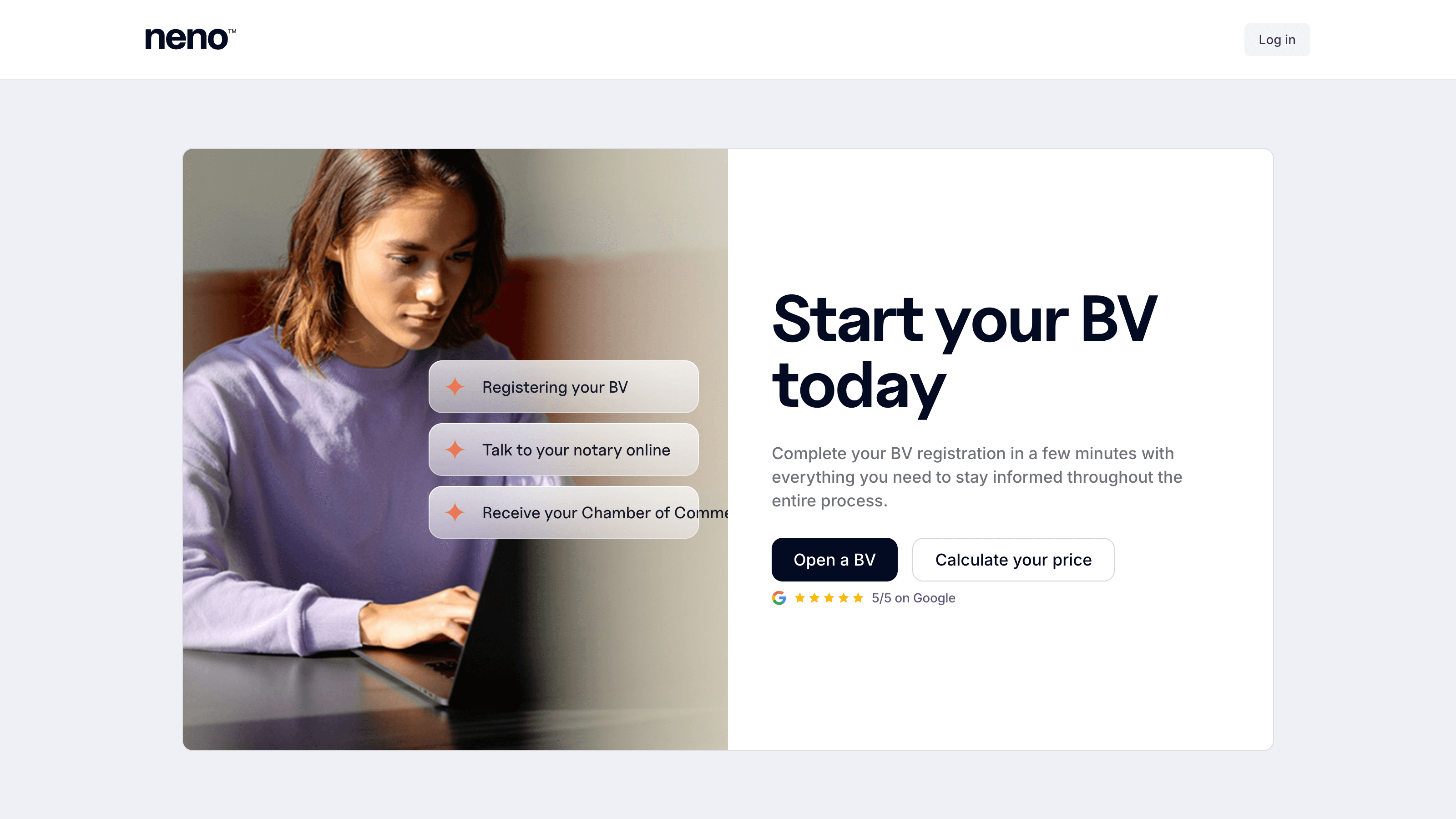
You can now register a Dutch BV entirely through Neno. We manage the full incorporation process online: from capturing your application and coordinating with the notary to deed finalisation and KvK registration. Monitor your application in our tasks dashboard, which gives you real-time visibility on progress. Once your new business is ready, all of your official documents and ready and waiting in the Neno vault.
Why it matters
Most businesses in the Netherlands are still incorporated in person and on paper. By digitising this process Neno becomes one of just a handful of providers that allow you to complete the entire process at distance, online: no notary search required, no coordination and no wasted time.
Send international payments to 160 countries
You can now easily send money to 160+ countries in more than 20 different currencies, directly from Neno.

What’s changed
It's now possible to make international payments to 160+ countries in more than 20 different currencies. As of today, Neno supports sending payments across all major networks, including SEPA, SWIFT, ACH and Fedwire. See in real time the full cost of your transfer before you confirm. You always pay the mid-market exchange rate, with no added margin.
Improvements & fixes
We've replaced PlaceKit for address autocomplete with Google Maps API. Address data is now more accurate and easier to enter.
We've introduced notifications in the company incorporation flow. If a notary rejects your documents, you can easily see why and re-upload.
Business banking: Business banking just went live
Neno banking is here. Open a Dutch business bank account in minutes and start managing your money from day one.

Neno banking is here. Open a Dutch business bank account in minutes and start managing your money from day one.
Your Neno account comes with a European IBAN, SEPA transfers (domestic and international), and virtual debit cards – all accessible from the Neno banking app. View real-time transactions, send money to suppliers, and receive payments from clients. If you're incorporating a BV through Neno, your banking account is ready the moment your company is registered – no separate bank application needed.
We built Neno banking so that new Dutch businesses never have to wait weeks for a bank account. Whether you're a solo founder or a small team, you can be financially operational from the day you start.
Have a feature request?